Select only what you need.
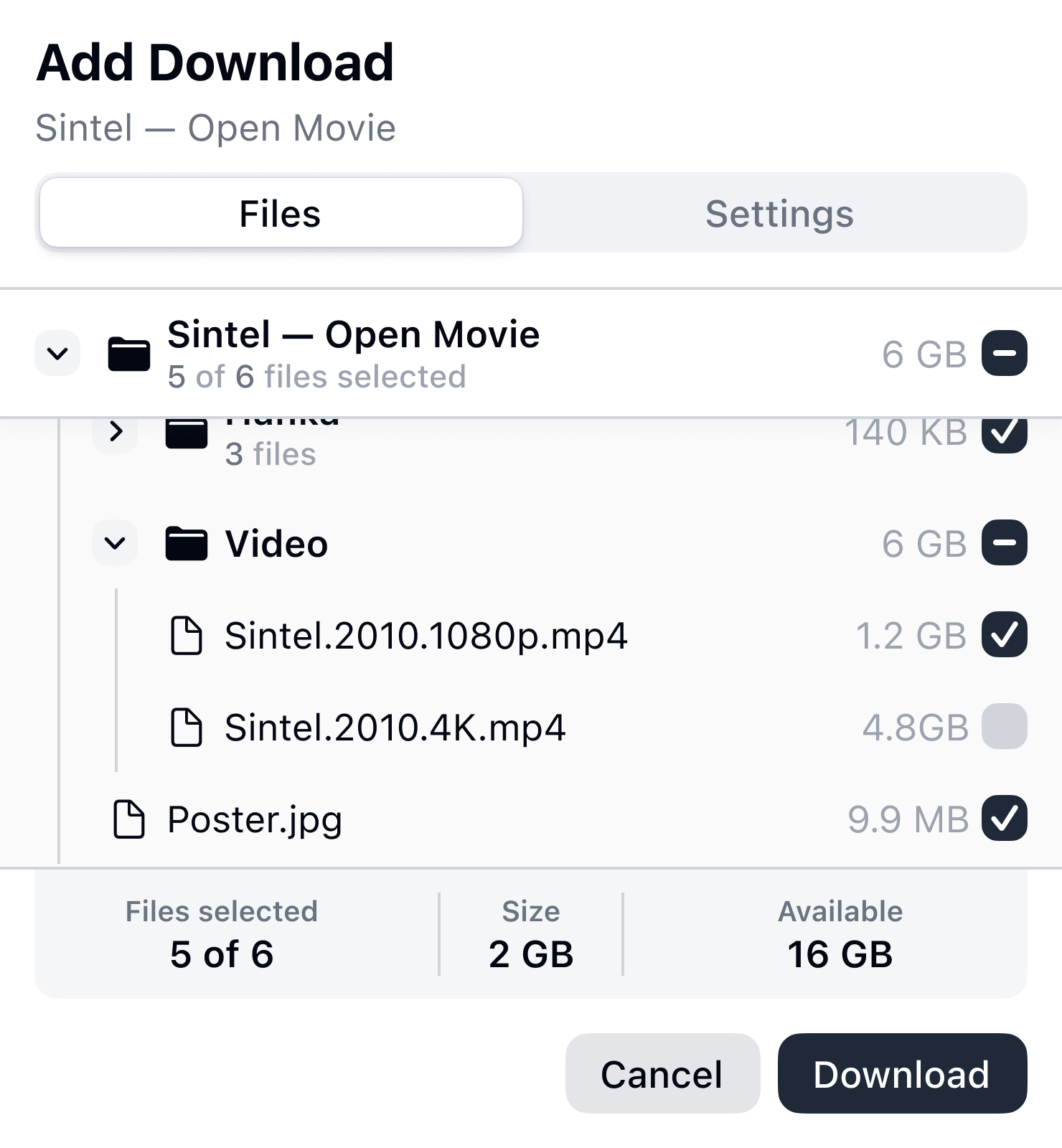
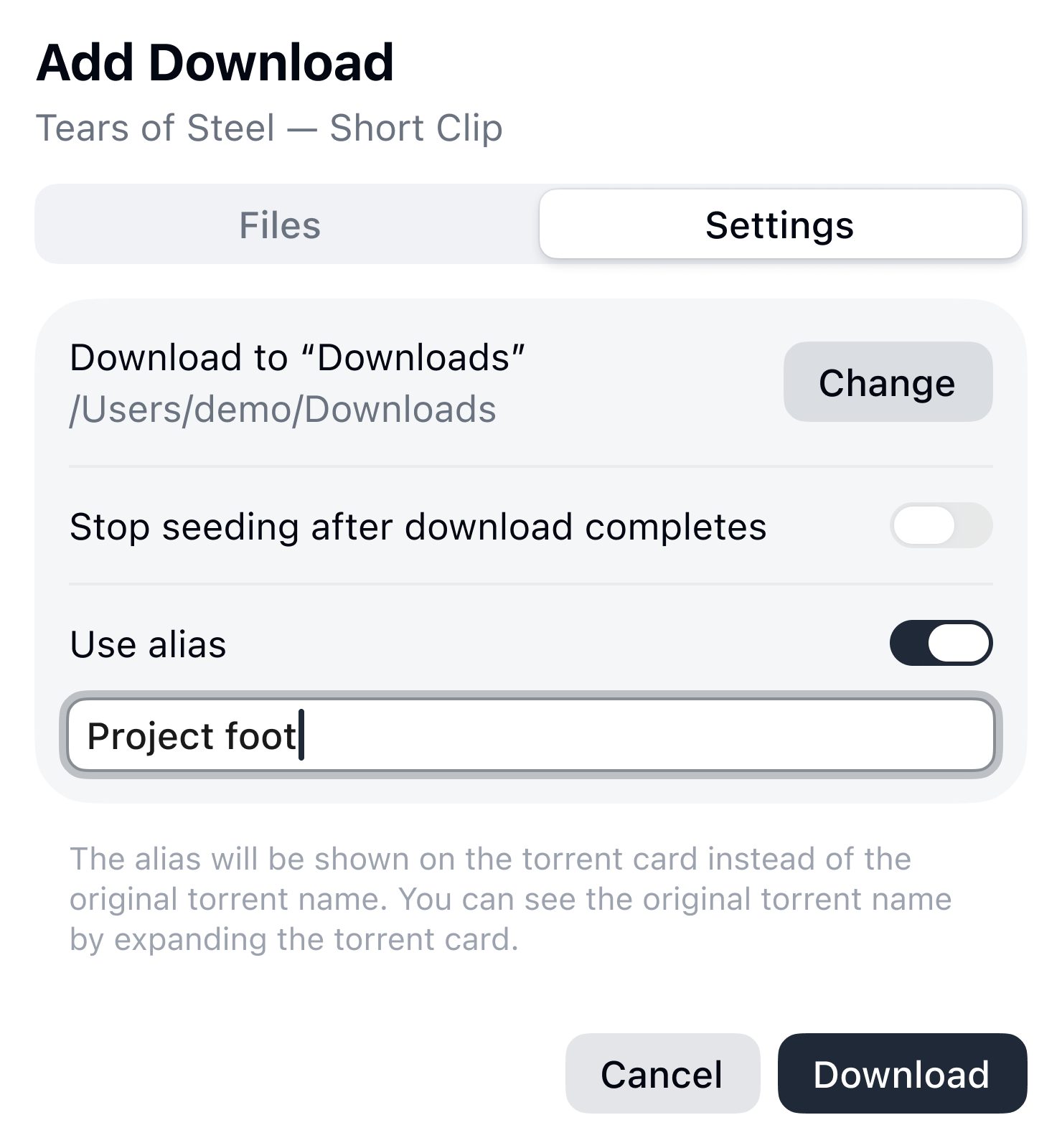
Select files and folders, choose where to save them, and decide whether seeding should stop when the download finishes. Shatl shows the size of your selection and the available disk space.

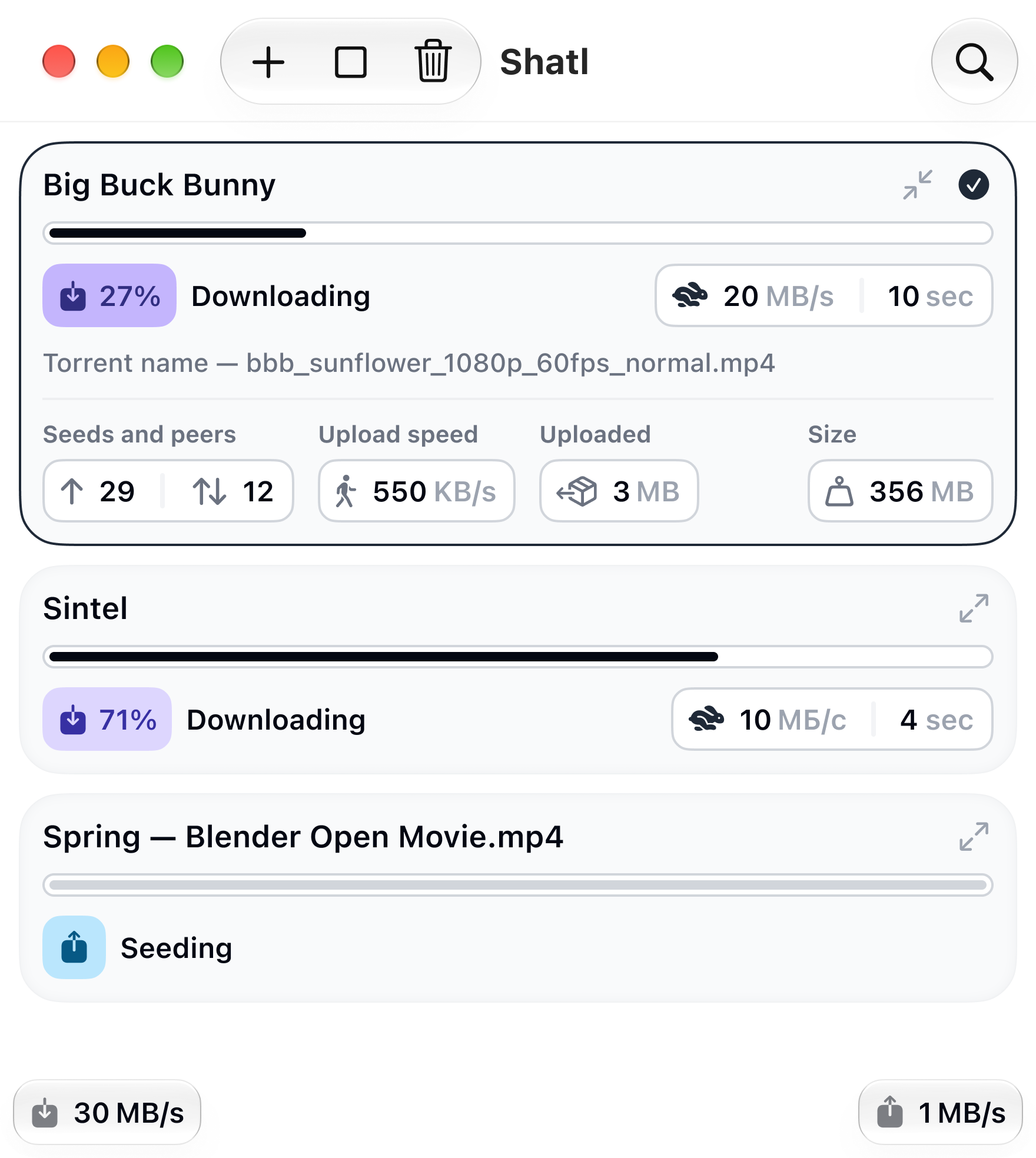
A lightweight, open-source torrent client for Mac built on libtorrent. Choose files before a download begins, manage its impact on your Mac, and follow its progress without unnecessary visual noise.
Permission is required on first launch.
Start with intention
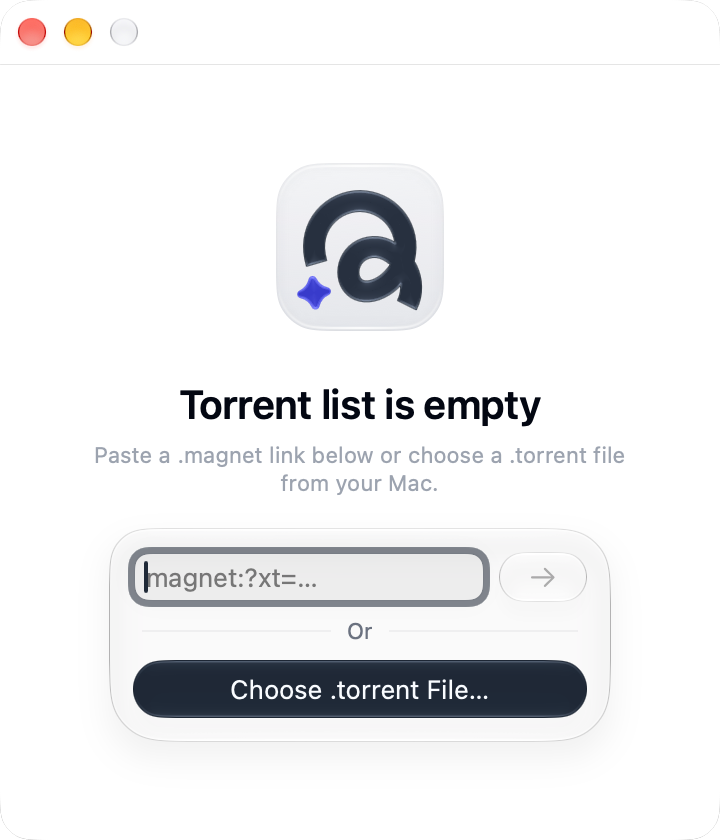
Add a .torrent file or paste a magnet link. Shatl fetches the metadata and shows what is included before the download begins.
Select files and folders, choose where to save them, and decide whether seeding should stop when the download finishes. Shatl shows the size of your selection and the available disk space.
Instead of the technical “big_buck_bunny_1080p_h264,” add a clear alias — for example, “Big Buck Bunny.” Shatl displays it on the torrent card.
Metrics your way
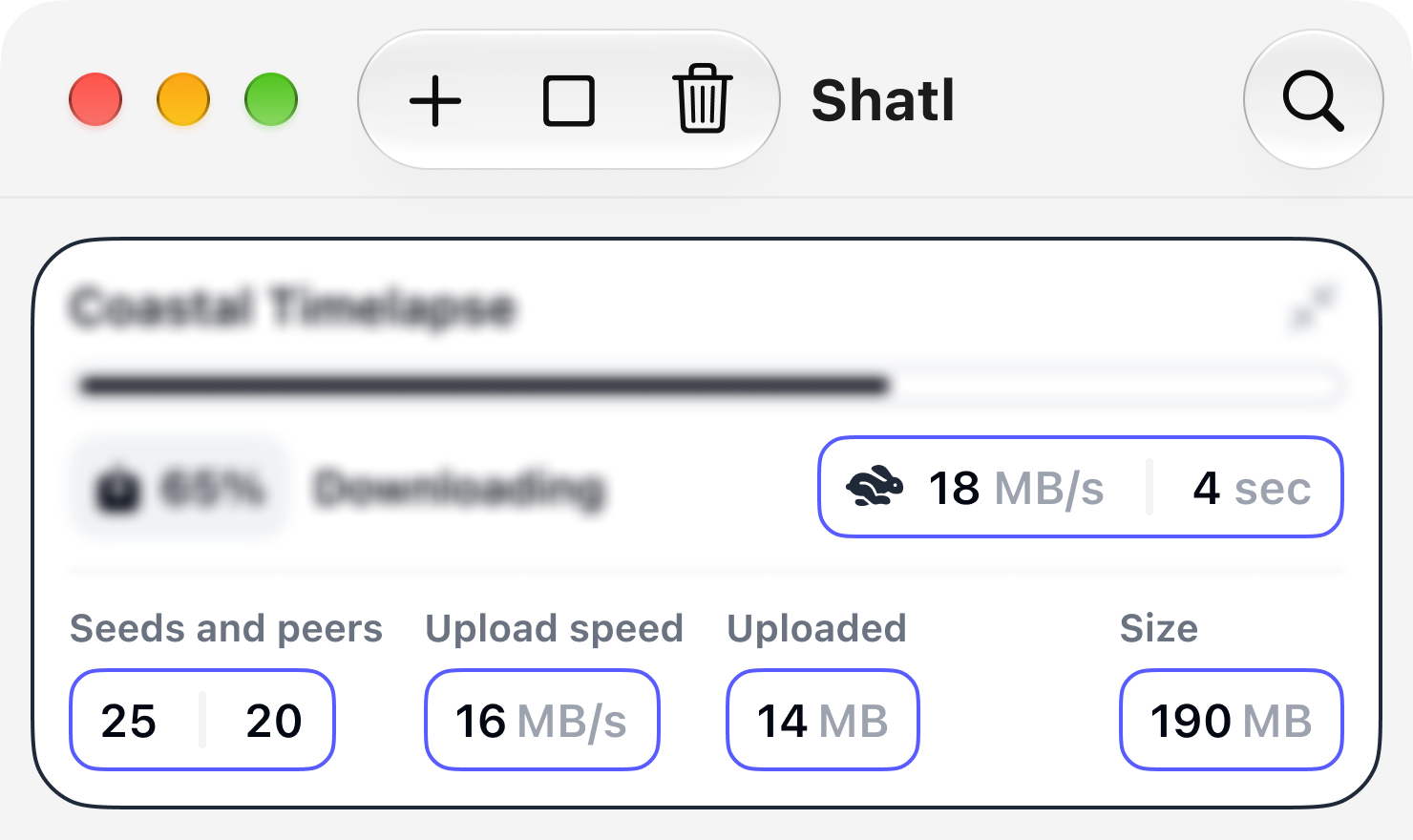
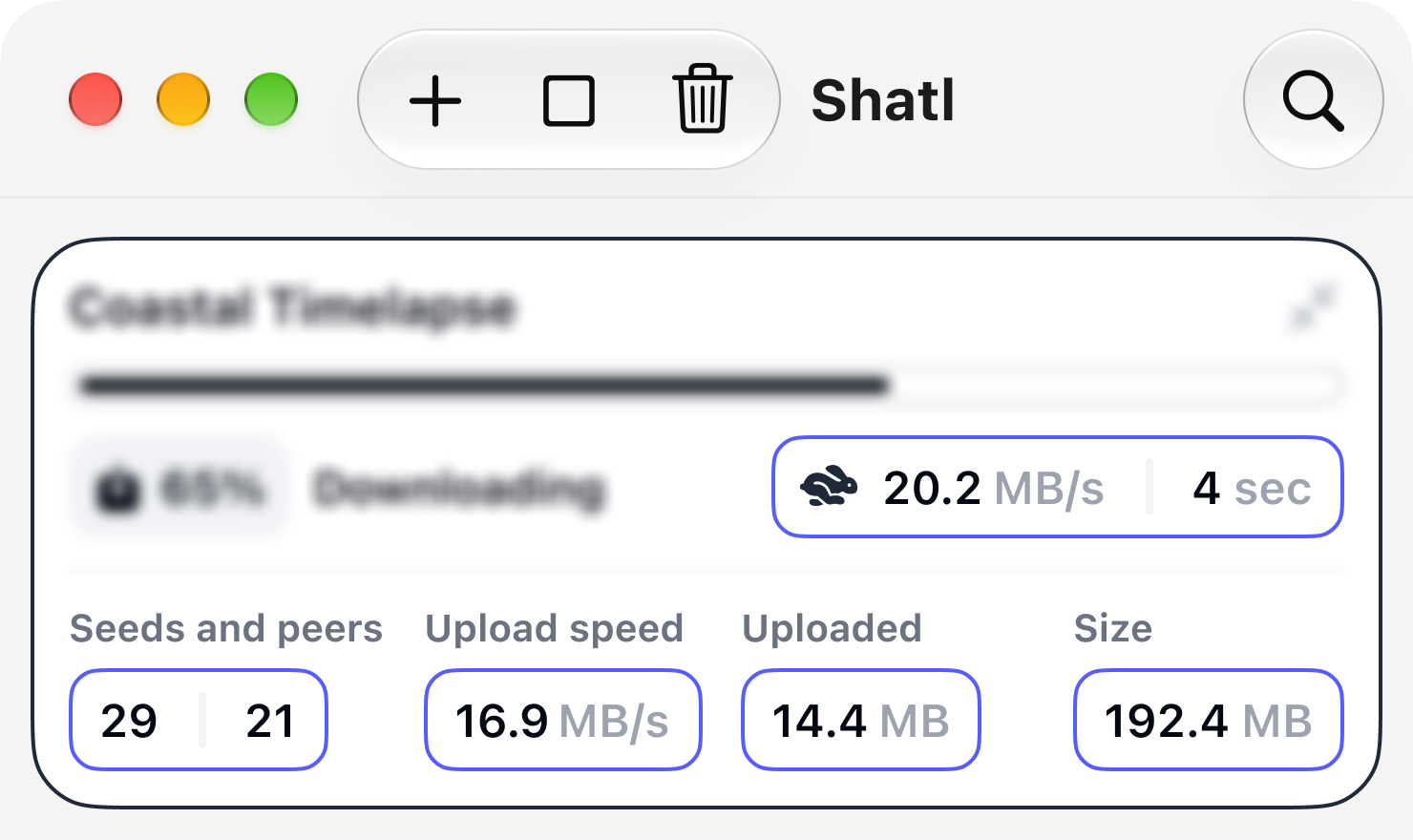
Most users would rather understand a download at a glance than interpret every number. Shatl therefore shows only the useful essentials, with a more detailed view available when needed.
Ideal for most users. Shatl rounds values and keeps only the precision needed to assess a download at a glance. This is the default mode.
For anyone who wants to track changing data more closely. Shatl shows speed, size, and time remaining with greater precision, while still hiding meaningless or inherently unreliable values.
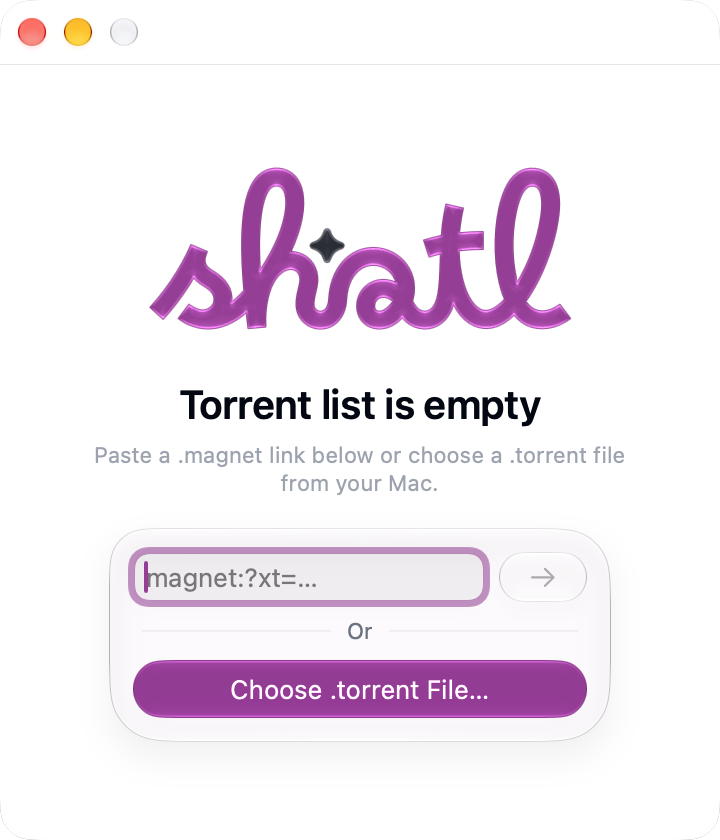
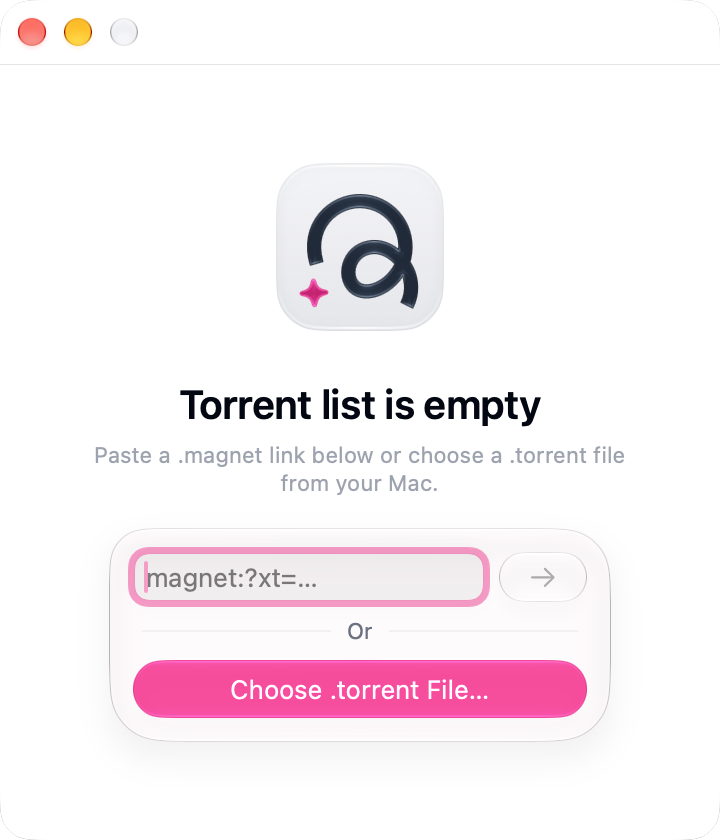
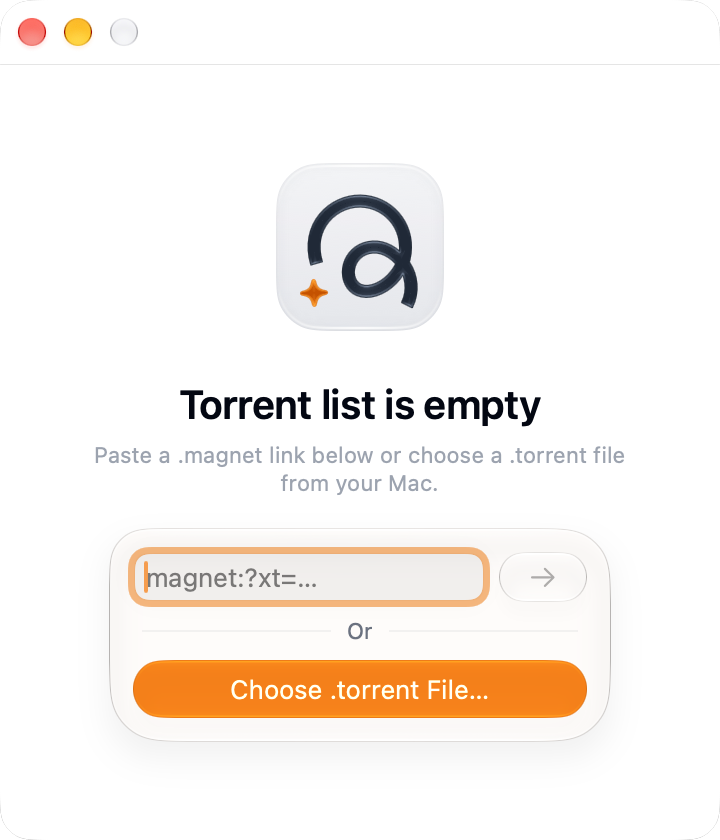
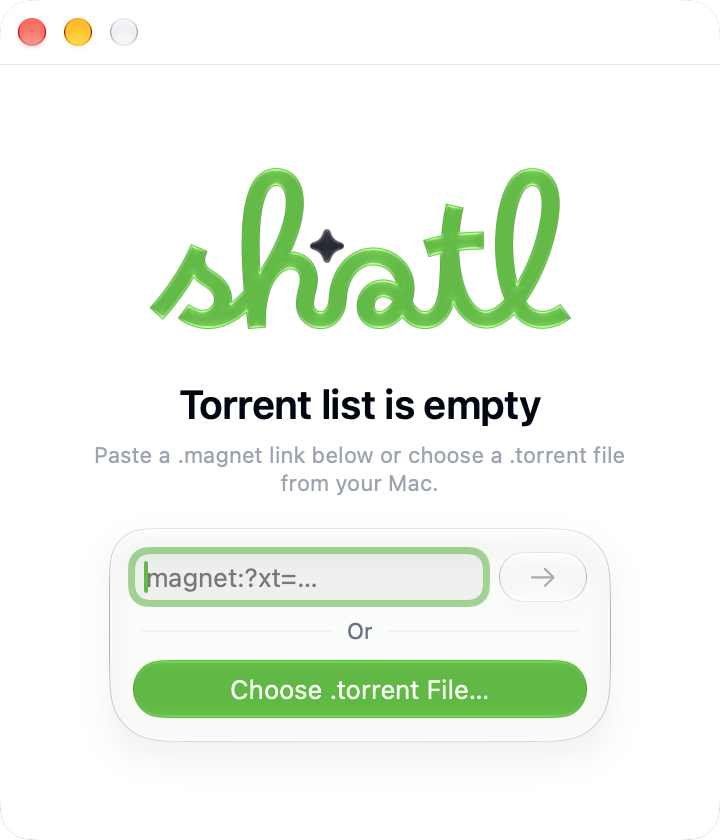
System accent
Shatl uses the accent color selected in macOS across interface elements and animations.
More capabilities
From Liquid Glass and performance modes to open source and seven languages, every detail in Shatl makes downloads simpler and clearer to manage.
Shatl uses the native materials and components of Apple’s new visual language.

Shatl was built for macOS 26 and further polished around the capabilities of macOS 27.
Choose Halo, Orbit, or Nova without tuning the engine by hand.
The interface is available in English, German, Spanish, French, Russian, Japanese, and Simplified Chinese.
Animations make changes easier to notice, update data smoothly, and respect the system’s Reduce Motion setting.
The proven engine handles BitTorrent; Shatl provides a clear interface around it.
Shatl’s source code, release history, and update files are publicly available on GitHub.
Shatl’s interface and core logic are written in Swift and built for Apple Silicon.
Each download shows only the actions and metrics that matter in its current state.
Shatl uses system notifications to report completed downloads or problems. While the app is inactive, its Dock icon shows the number of unseen events.
BitTorrent is a data-transfer protocol, not permission to infringe copyright. Shatl’s author opposes piracy and encourages downloading and sharing only lawfully available content, with respect for its creators.
Shatl was created with AI assistance under the author’s direction. AI helps with development, while product decisions and design remain human-led.
Download the disk image, move Shatl to the Applications folder, and allow its first launch in macOS Privacy & Security settings.
Requires macOS 26+ and an Apple Silicon processor